A native Android app
Plan your Park & Ride commute.
Check live spaces, compare recent matching weekdays and keep an eye on your usual car park as your commute approaches.
Closed testing Recruiting Sydney Park & Ride commuters
Testing is optional. The update list is separate if you would rather wait.
Free live parking and 12-week planning. No purchase is needed to test.
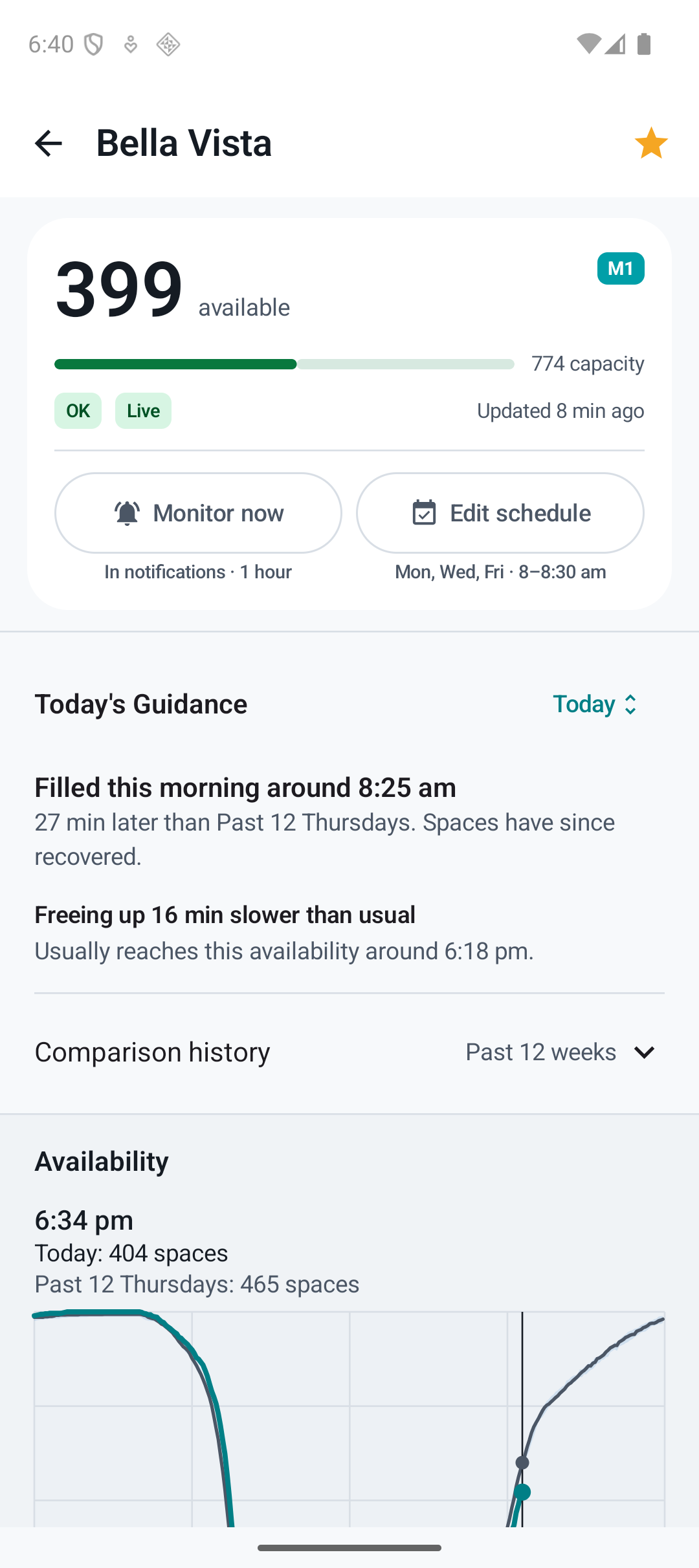
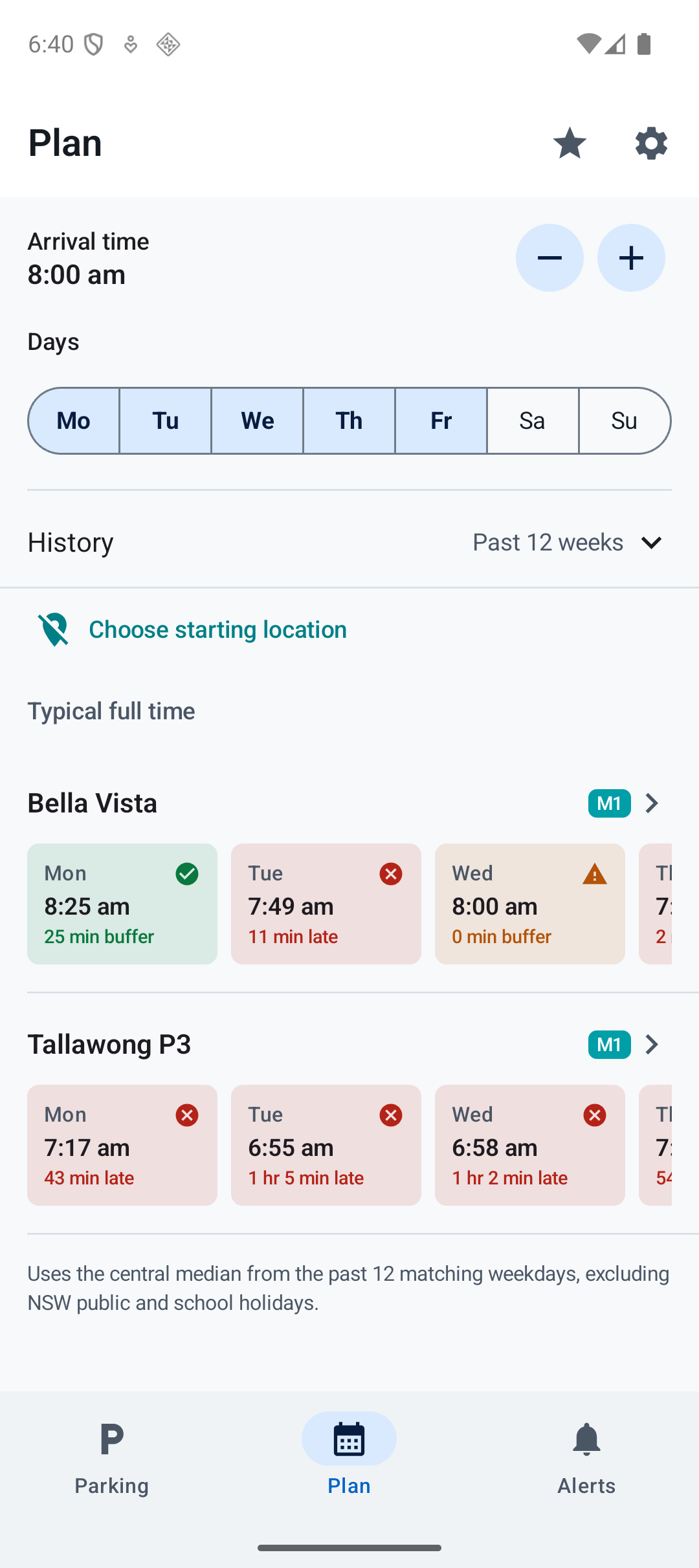
Captured in Android emulators using live parking data and demo schedules. Plan compares matching weekdays from the past 12 weeks, excluding NSW public and school holidays. Past patterns do not guarantee a space.
Live parking
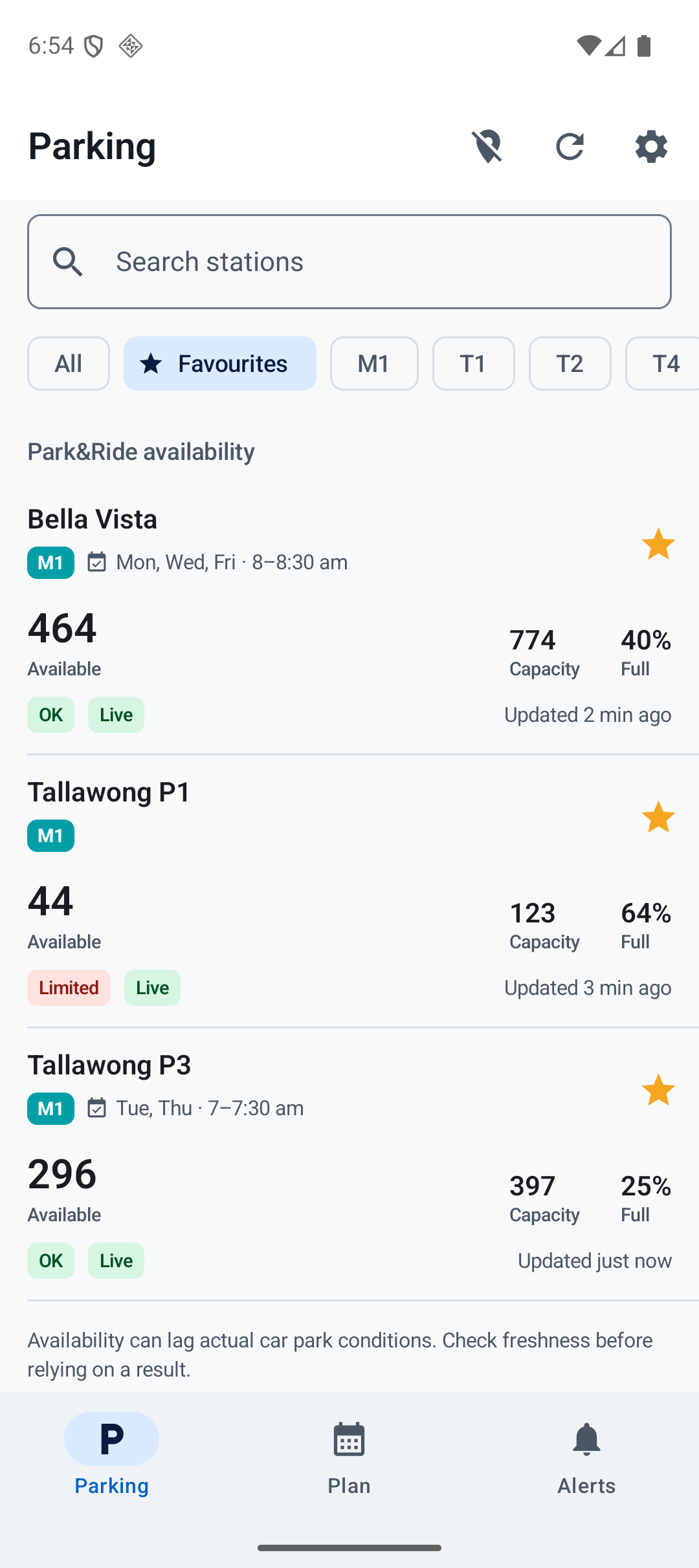
Compare your car parks.
Compare live spaces across 41 car parks. Keep your favourites close, see update times and check your saved schedule beside each station. Open a car park for today's guidance or directions.
Commute alerts
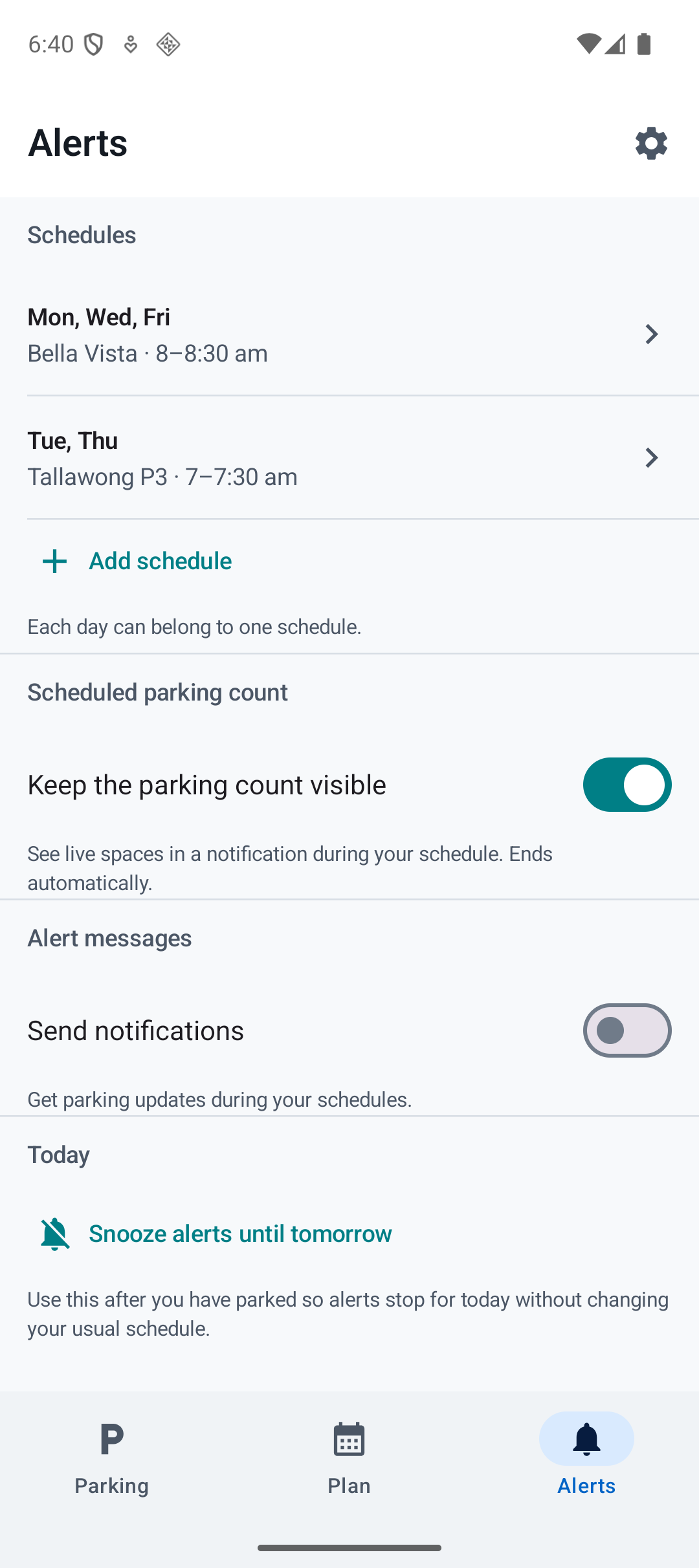
Set your mornings. Choose your messages.
Choose a car park, weekdays, start time and duration. Scheduled live-count monitoring and parking messages are separate choices, so you can use one without turning on the other.
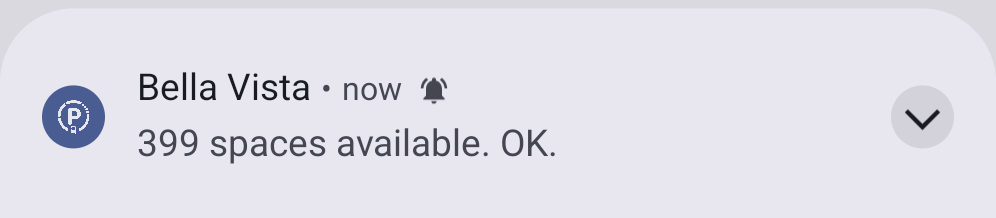
When enabled, scheduled monitoring shows live spaces in an ongoing notification during your schedule and ends automatically. You can also choose how often to receive parking messages.
Home screen widgets
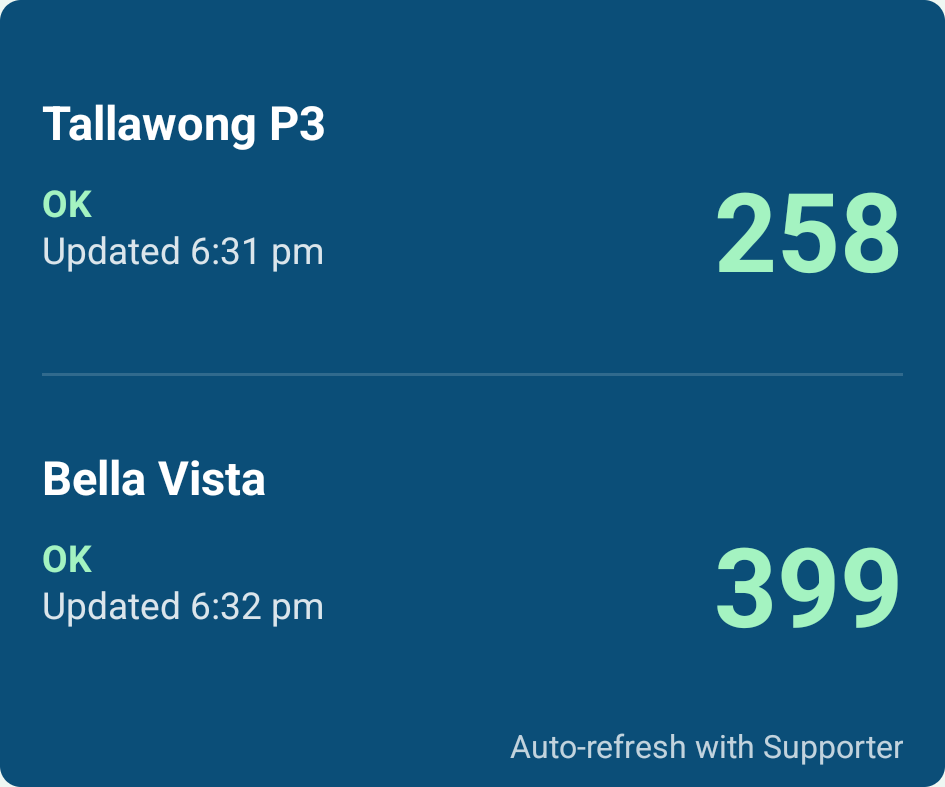
Keep a quick view on your home screen.
See your chosen car parks at a glance. Free widgets update when you use the app. Supporter adds automatic refresh, about every 15 minutes depending on Android's background scheduling.
A separate app for compatible cars
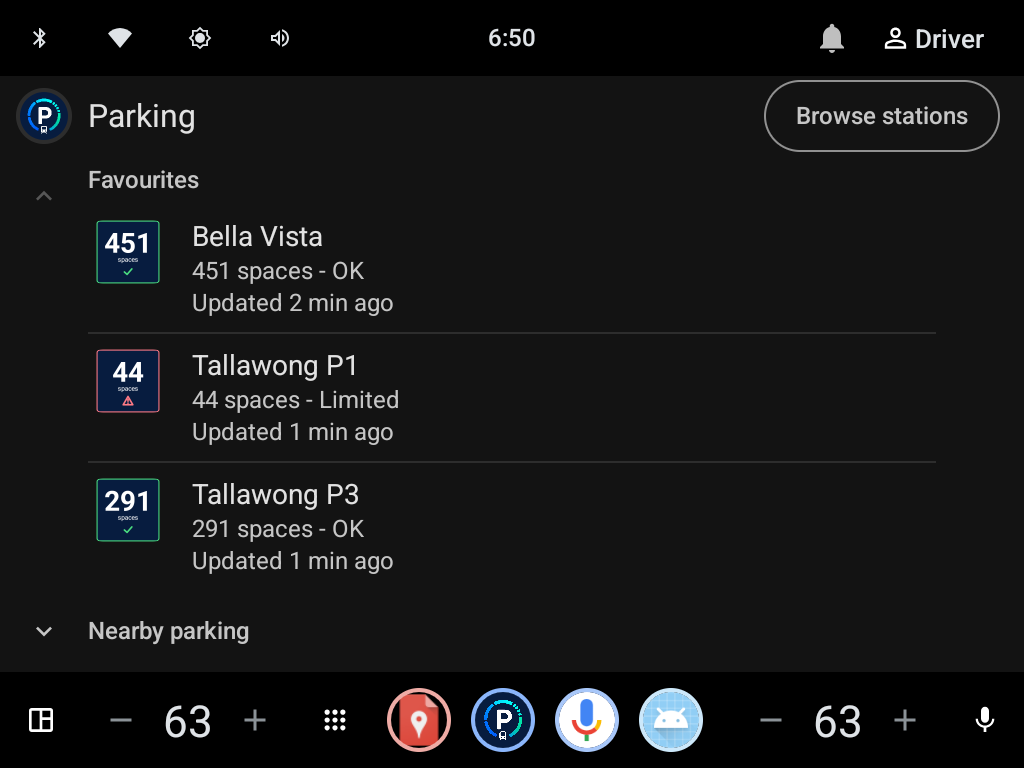
Parking on your car screen.
Check parking directly from compatible cars with Google built-in, including supported Volvo models. Install the car app through Google Play in your vehicle.
This is Android Automotive OS, rather than Android Auto phone projection.
Check live parking, station guidance and directions in a car-friendly interface. Live parking and navigation are free. Use the phone app for Plan, charts and schedules.
For eligible car testers
Automotive testing uses a separate Google Play track. If you have already been invited, open Google Play in a compatible car with the invited account. Automotive has its own testing release; availability depends on your vehicle and Google Play testing access.
Android phone closed testing
Try the app on your commute.
Use the pre-release Android app on NSW Park & Ride trips and tell us what works or needs fixing. Core live parking, Plan guidance and commute alerts are available without a purchase.
- An Android phone with Google Play
- The same Google account for each Google Play step
- No purchase required
-
Join the tester group
The group grants closed-test access only. Joining it does not add you to the ParkRide Planner email list. Only the group manager can view members or post.
Join the Google Group -
Opt in through Google Play
After joining the group, open the opt-in page with the same Google account and choose to become a tester.
Open the Play opt-in page -
Install or update the app
When Google Play recognises your access, install ParkRide Planner or update to the latest testing build.
Open ParkRide Planner on Google Play
What to try
Check live spaces, plan a weekday commute and try your alert schedule. Report missing notifications, stale information, confusing wording or crashes through Support.
Public Android release
Rather wait? Get release updates.
Join the update list for essential testing changes and news when the public Android release is ready. It is separate from the Google Group and is not a newsletter.
About ParkRide Planner
Independent parking guidance.
Is ParkRide Planner an official Transport for NSW app?
No. ParkRide Planner is independent, uses publicly available Transport for NSW parking data and is not affiliated with or endorsed by Transport for NSW.
Does Android Automotive mean Android Auto?
No. Automotive is installed directly in compatible cars with Google built-in. Android Auto phone projection is a separate product and is not included.